How To Use
Lobby
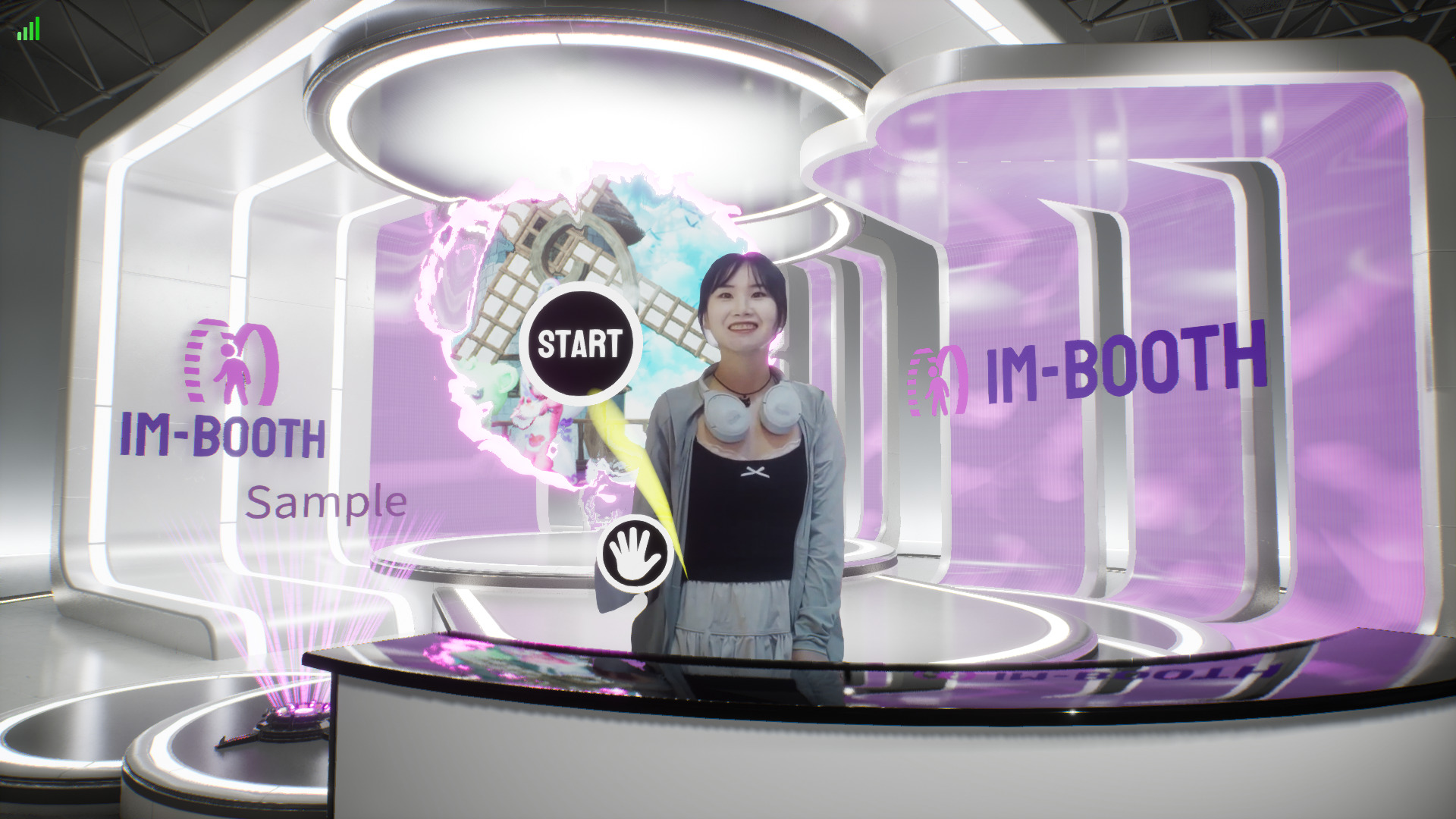 im-Booth always stay in the Lobby screen until users trigger the Start Recording process. In the Lobby, users can practice and get used to the gesture control of AR props first.
TIP
There are many different kind of lobby that you can set in Lobby Style. 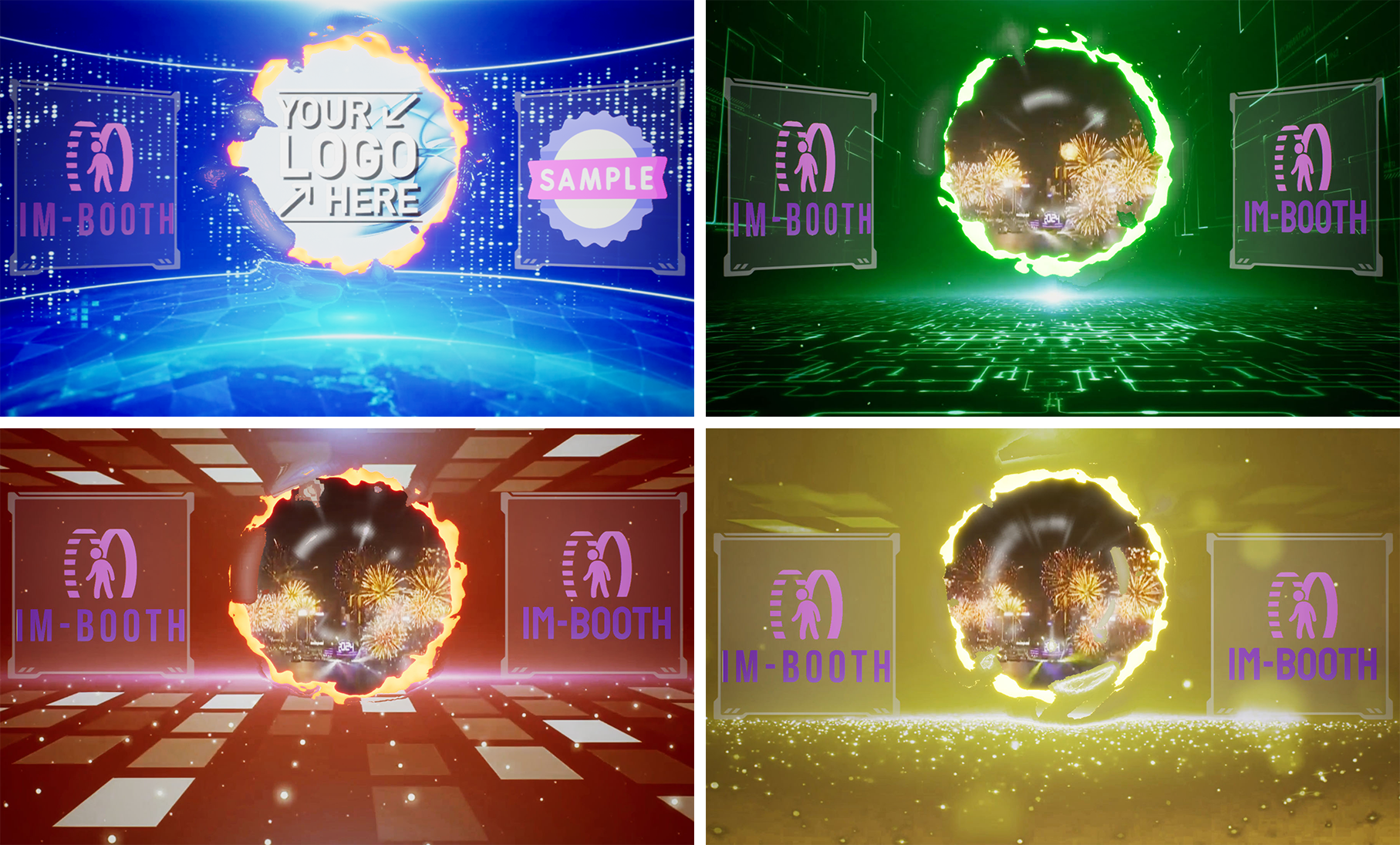
Start Recording

Raise your hand and move to the start button. Hold for a while then im-Booth will start recording automatically.
AR Banner

Place your hands together to activate an AR Banner. This banner will track the movement of your hands. To deactivate it, simply spread your hands apart. You can customize your AR Banner by uploading images to the Library.
AR Face Sticker

Swipe your hand over your face to activate an AR Face Sticker. This sticker will track the movement of your head. To deactivate it, simply swipe your hand over your face again. You can customize your AR Face Sticker by uploading images to the Library.
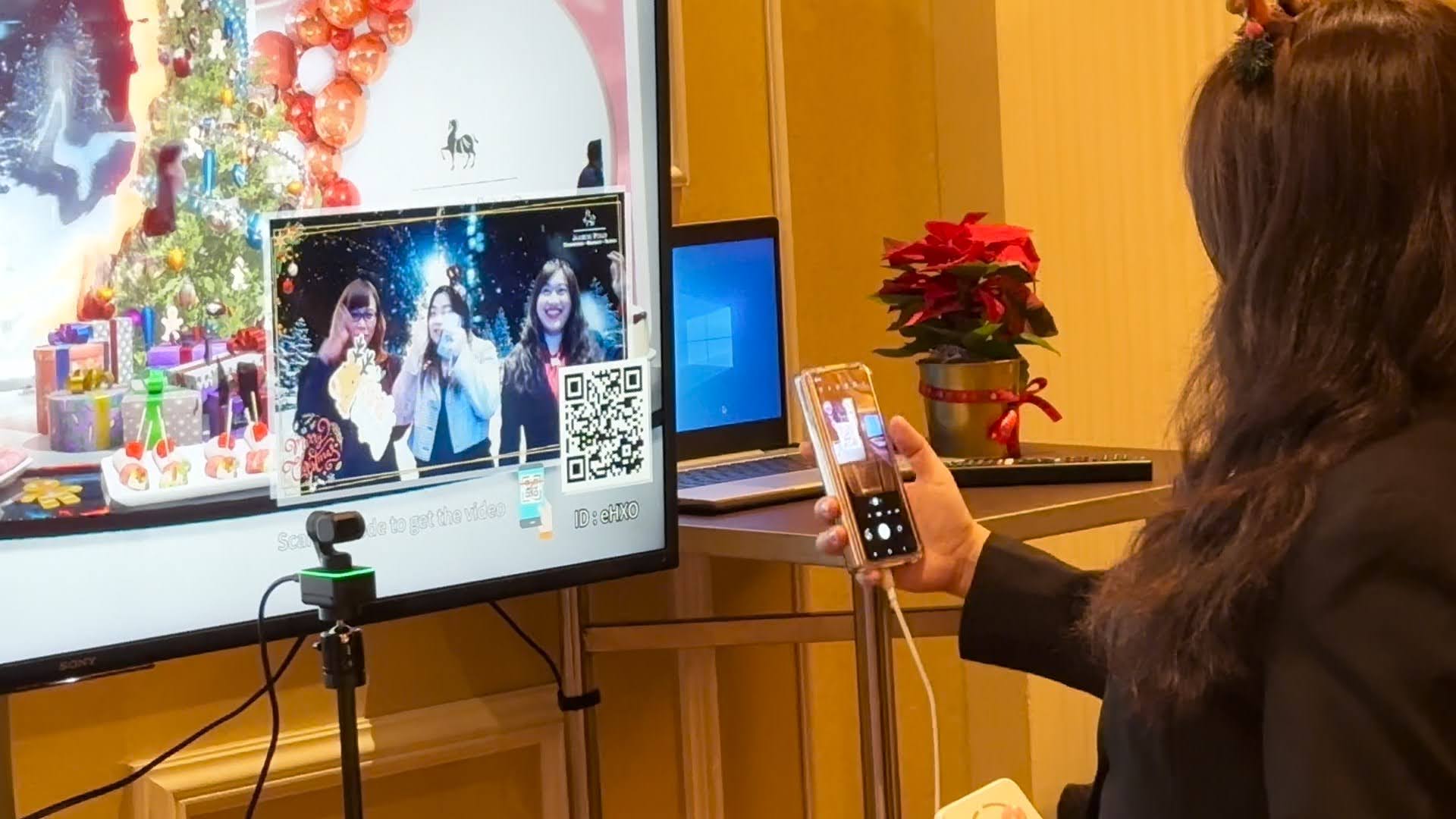
Get the video
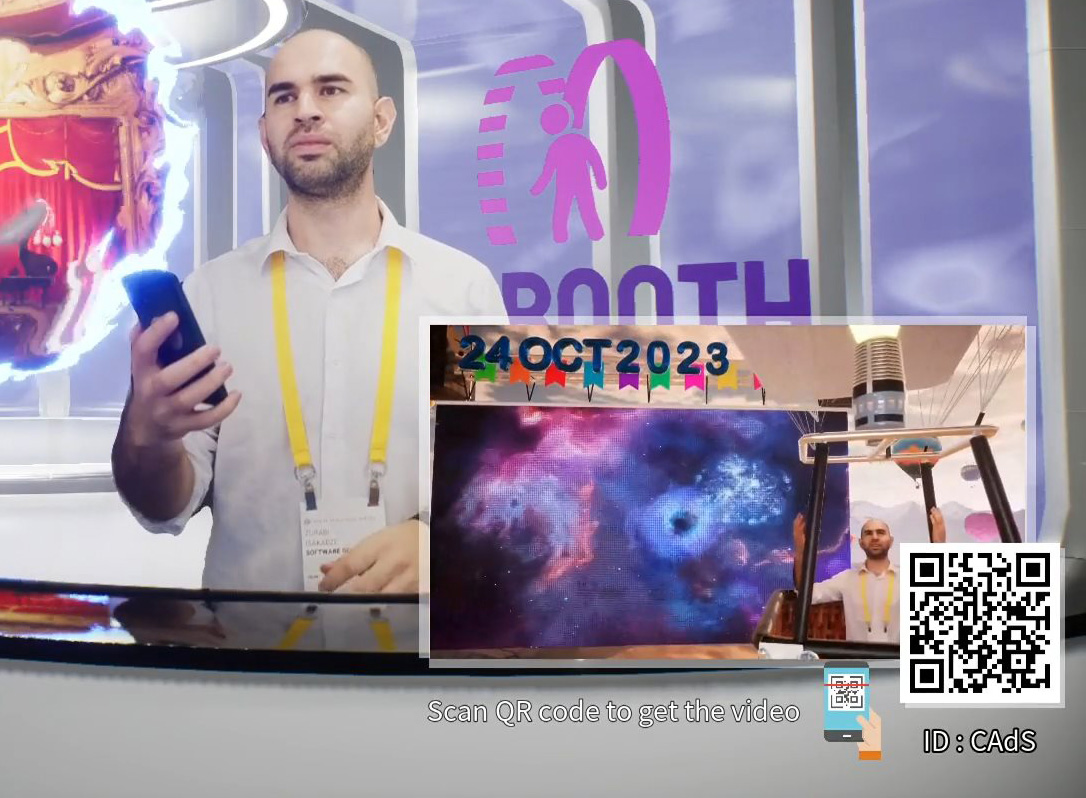
After the video recording is complete, im-Booth will automatically return to the Lobby screen. In the bottom right corner, you will see a preview of the video you just recorded and a QR code. Simply scan the QR code with your smartphone to download/share your outstanding creation.