
IM-BOOTHIM-BOOTH
Getting Started with im-Booth
  • English
  • 简体中文
  • 繁體中文
Getting Started with im-Booth
  • English
  • 简体中文
  • 繁體中文
  • Getting Started with im-Booth
  • How To Use
  • Machine
  • Configuration
    • Information
    • Logo
    • Settings
    • Gallery
    • Scene
    • Video Backdrop
    • AR Banner
    • AR Face Sticker
    • Photo
    • Music
    • /en/4RFrame.html
    • Strip Frame
  • Library
  • Control Panel
  • Online Gallery

Scene

scene

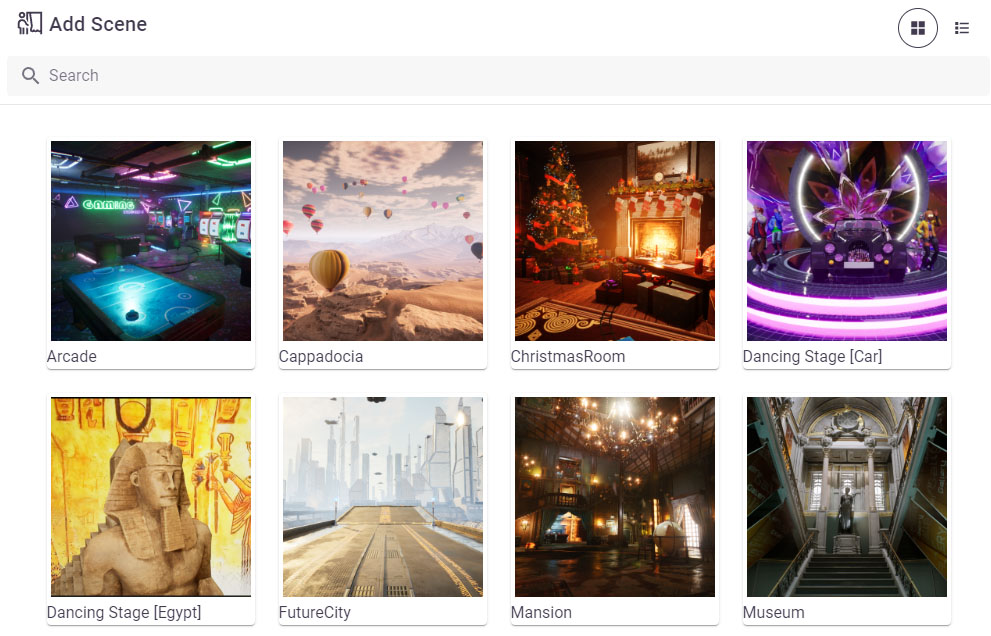
A Scene is the virtual environment where the user records videos. After the start button is triggered in the Lobby, the user will be redirected to the chosen Scene. You can add multiple Scenes to a single Booth Configuration. Once recording starts, the system will automatically switch between these Scenes in a predetermined order.

Last Updated:
Contributors: Carkos
Prev
Gallery
Next
Video Backdrop