
Settings
AI Lighting
WARNING
Work in progress
Language
The language of the im-Booth user interface.
Video Duration
Record duration per each video.
Watermark Display
These options control how the watermark is shown.
Transition Effect
There are 4 camera transition effects that can be chosen.
Outward Glow

Digital Transform

Hexagonal Gradient

Outward Flow

Color Scheme
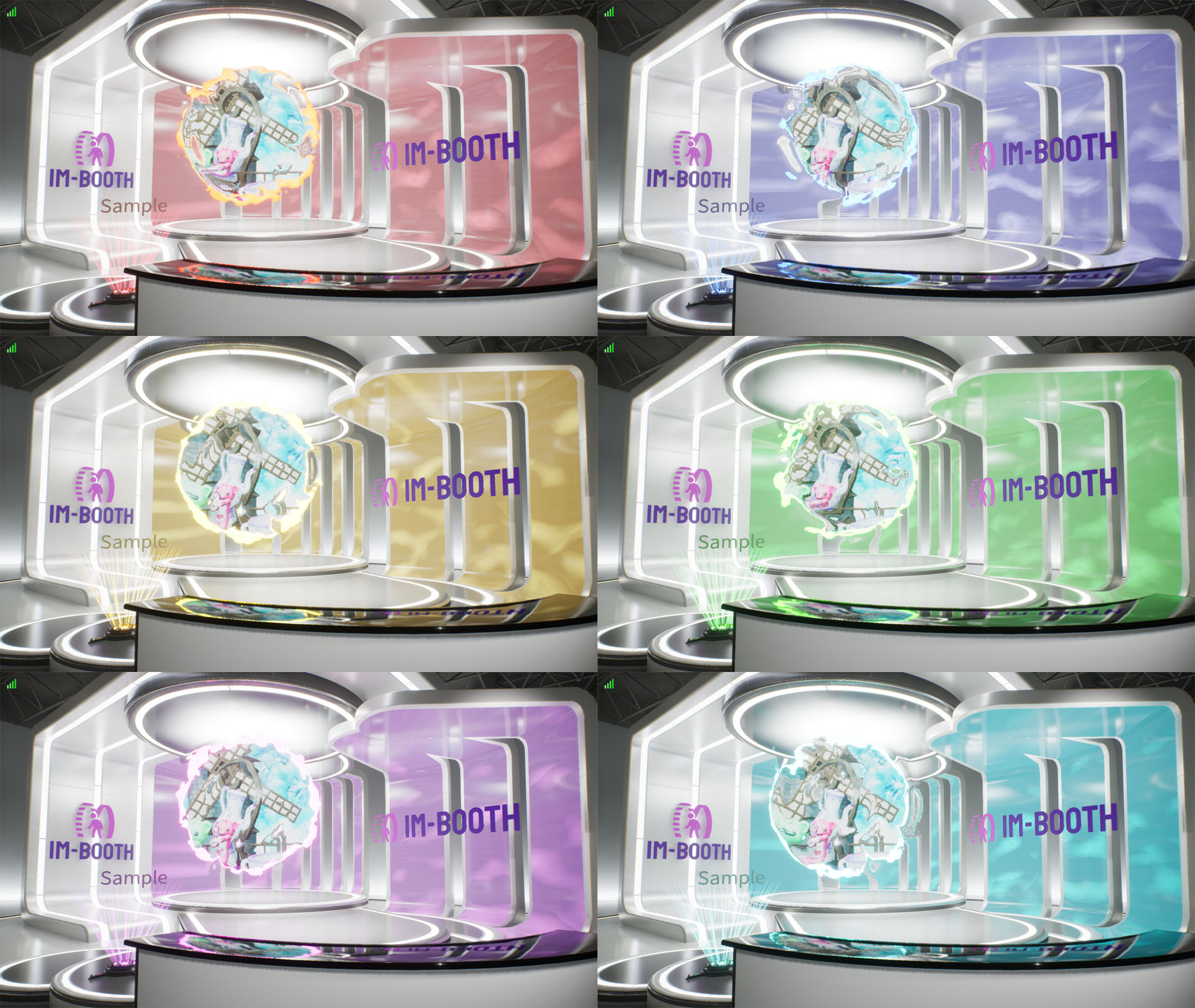
The color scheme mostly affects the Lobby style and some of the 3D scene decorations.
Welcome Message
Some of the Lobby styles supports support Welcome Message.
Notification
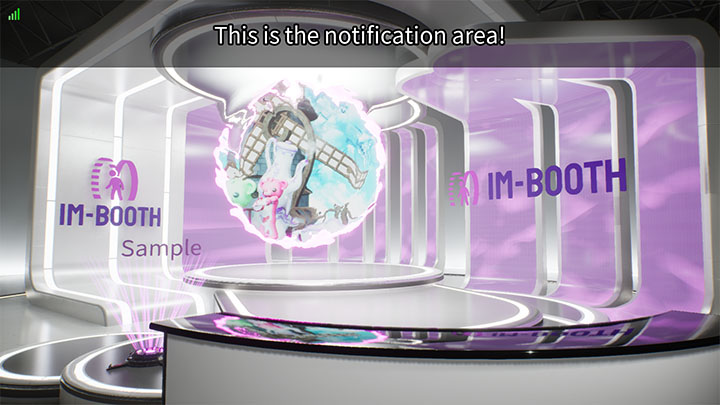
You can customize a notification here.
Notification Visibility
Show/Hide the notification.
Lobby Style
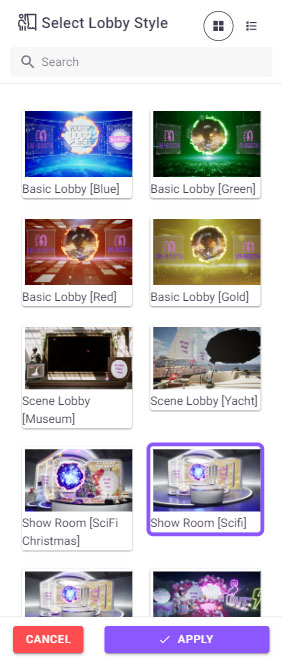
Choose your favourite Lobby style here! We will keep updateing new style in the future.
Show Photo
WARNING
Work in progress
Show 4R
WARNING
Work in progress
4R Frame
WARNING
Work in progress
Show Strip
WARNING
Work in progress
Stripe Frame
WARNING
Work in progress