
Logo
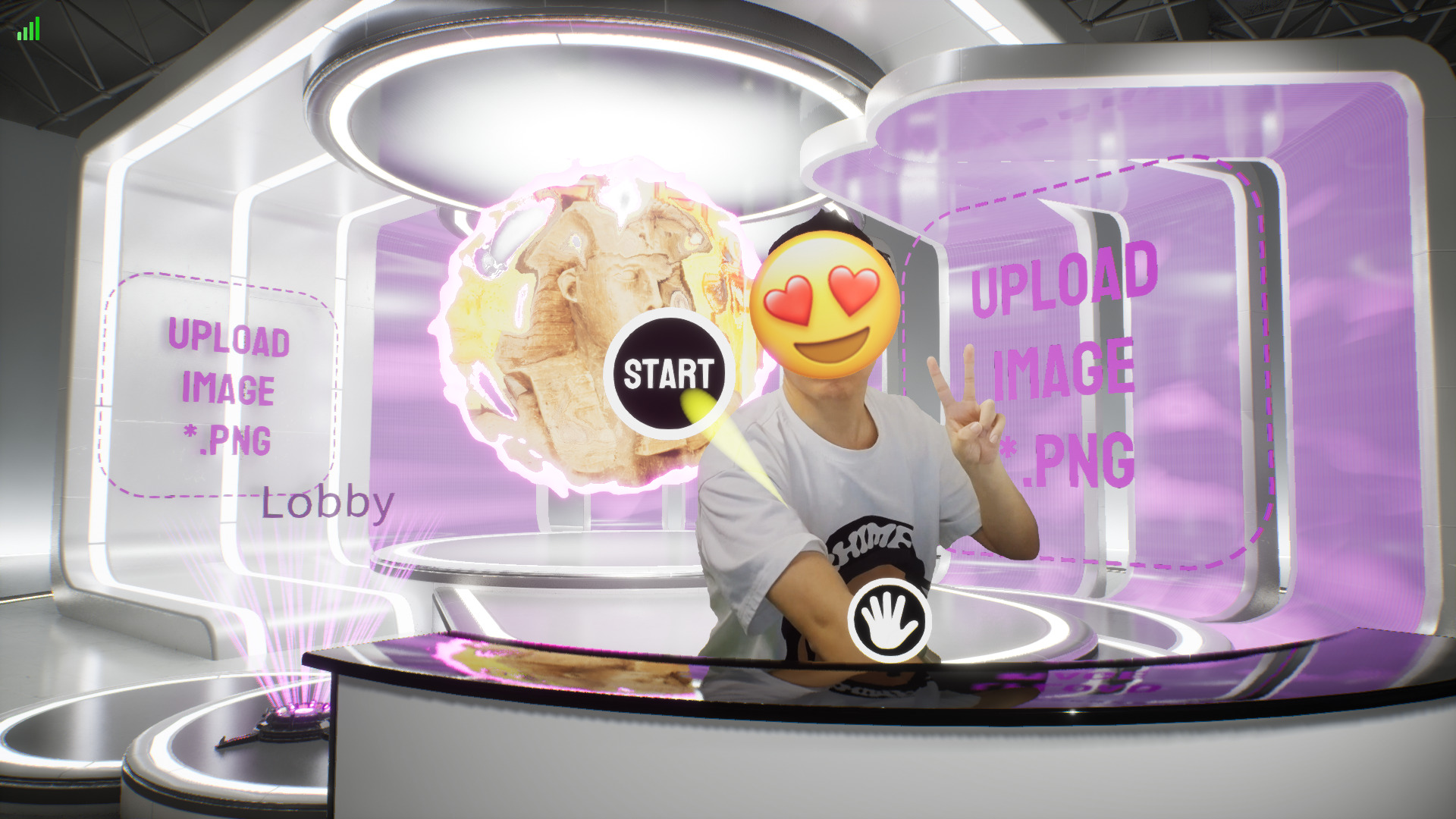 Main Logo and Sub Logo are mainly used in the Lobby.
TIP
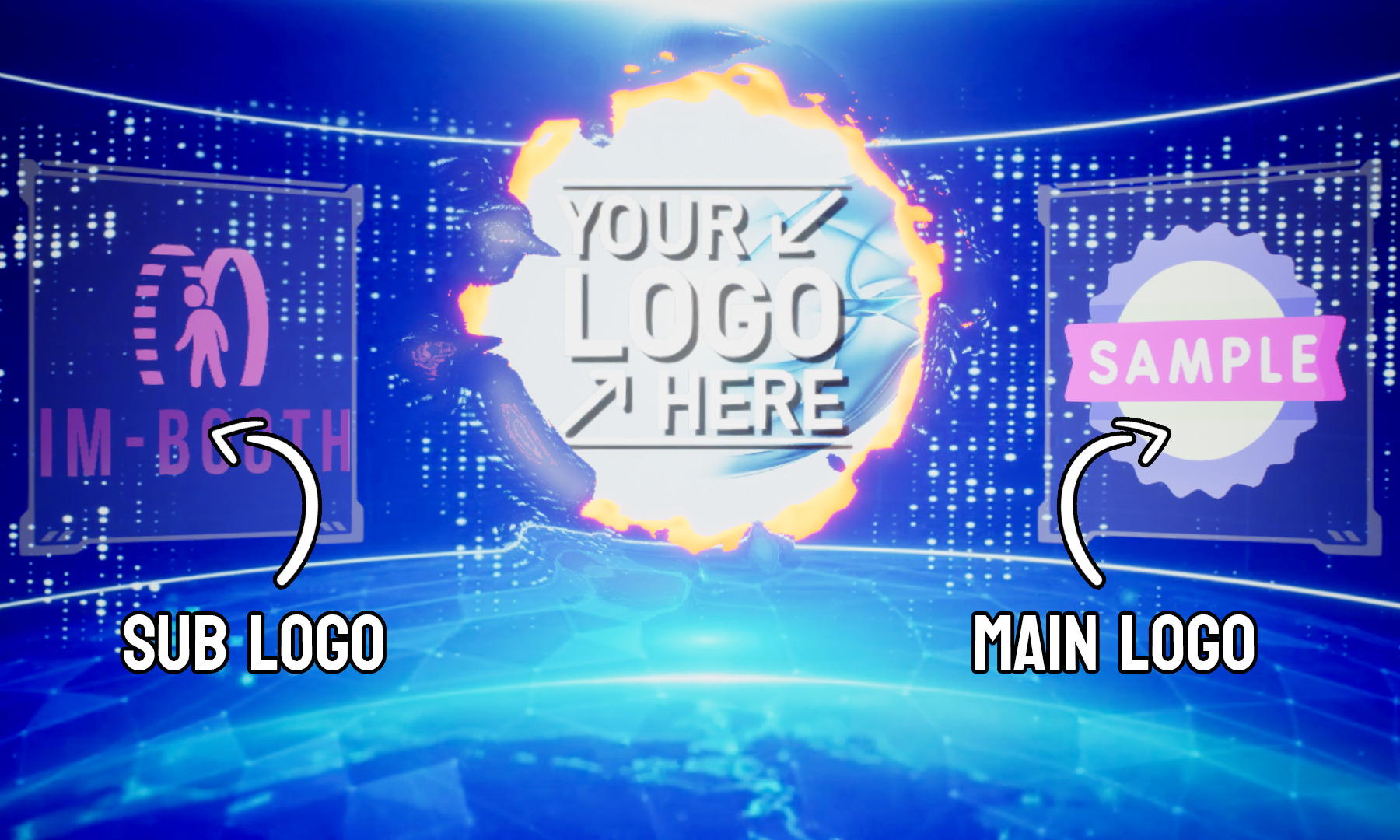
The positioning and sizing of the logos are primarily determined by the Lobby style. Therefore, changing the Lobby style may alter the appearance of the logos.
Main Logo
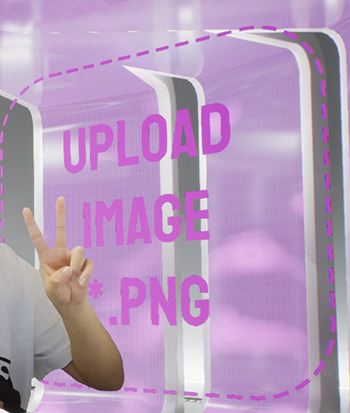
Main Logo is usually bigger than the Sub Logo.
Image Requirement
Format: PNG/JPG
Dimension: 1024px x 1024px
Sub Logo
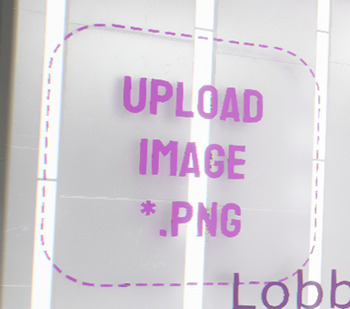
Image Requirement
Format: PNG/JPG
Dimension: 1024px x 1024px
Watermark
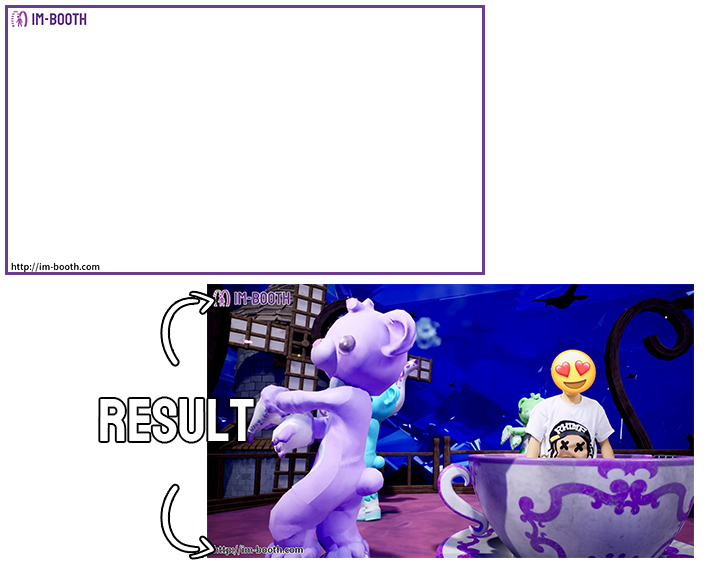
The watermark is always on the top layer of the video. You can change the display option in Watermark Display
Image Requirement
Format: PNG
Dimension: 1920px x 1080px