
Machine
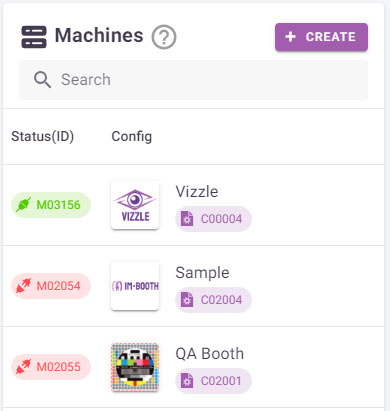
All processing is handled by our high-performance XR cloud machine. You simply need a computer with a USB camera or a tablet/mobile phone with a built-in camera that supports a standard browser. For optimal results, a high-quality network connection is recommended.
Requirements
Internet connection
- Minimum 5 Mbps download/upload for optimal quality.
TIP
More bandwidth is required for multiple feeds under the same network.
- Device: Most devices within 5 years, with a supported browser and camera.
- Desktop: USB camera required.
- Mobile: Native camera required.
Supported Devices & Browsers
Windows / MacOS / Linux
- Microsoft Edge 12+
- Google Chrome 28+
- Mozilla Firefox 22+
- Safari 11+, Opera 18+
- Vivaldi 1.9+
- Brave
Android
- Google Chrome 28+
- Mozilla Firefox 24+
- Opera Mobile 12+
iOS
- MobileSafari/WebKit (iOS 11+)
Camera Input
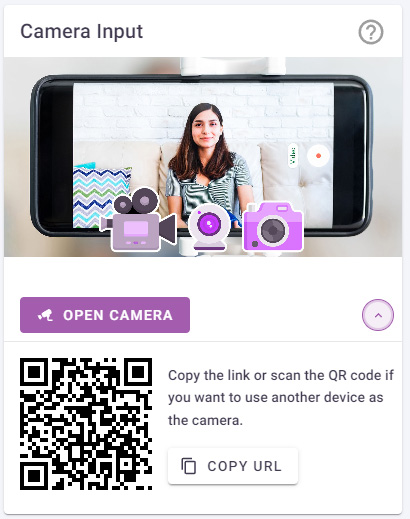
Click the button to open your camera in the browser as the input feed for your selected device.
Copy the link or scan the QR code if you want to use another device as the camera. It is your choice to use both camera input and output feed in the same device, or separate them in different device for more mobility.
WARNING
Only one camera input can be active at a time. The second link will not work.
Output
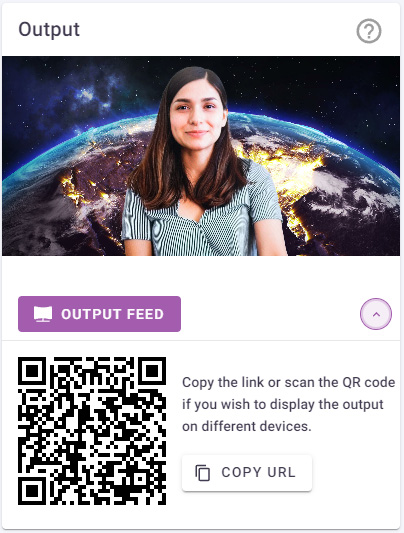
To view the output feed, click the button to open it in your browser.
Copy the link or scan the QR code if you wish to display the output on different devices.
WARNING
A maximum of three output feeds can be deployed simultaneously. To massive stream to different providers, copy the output link to other streaming software such as OBS.