
Configuration
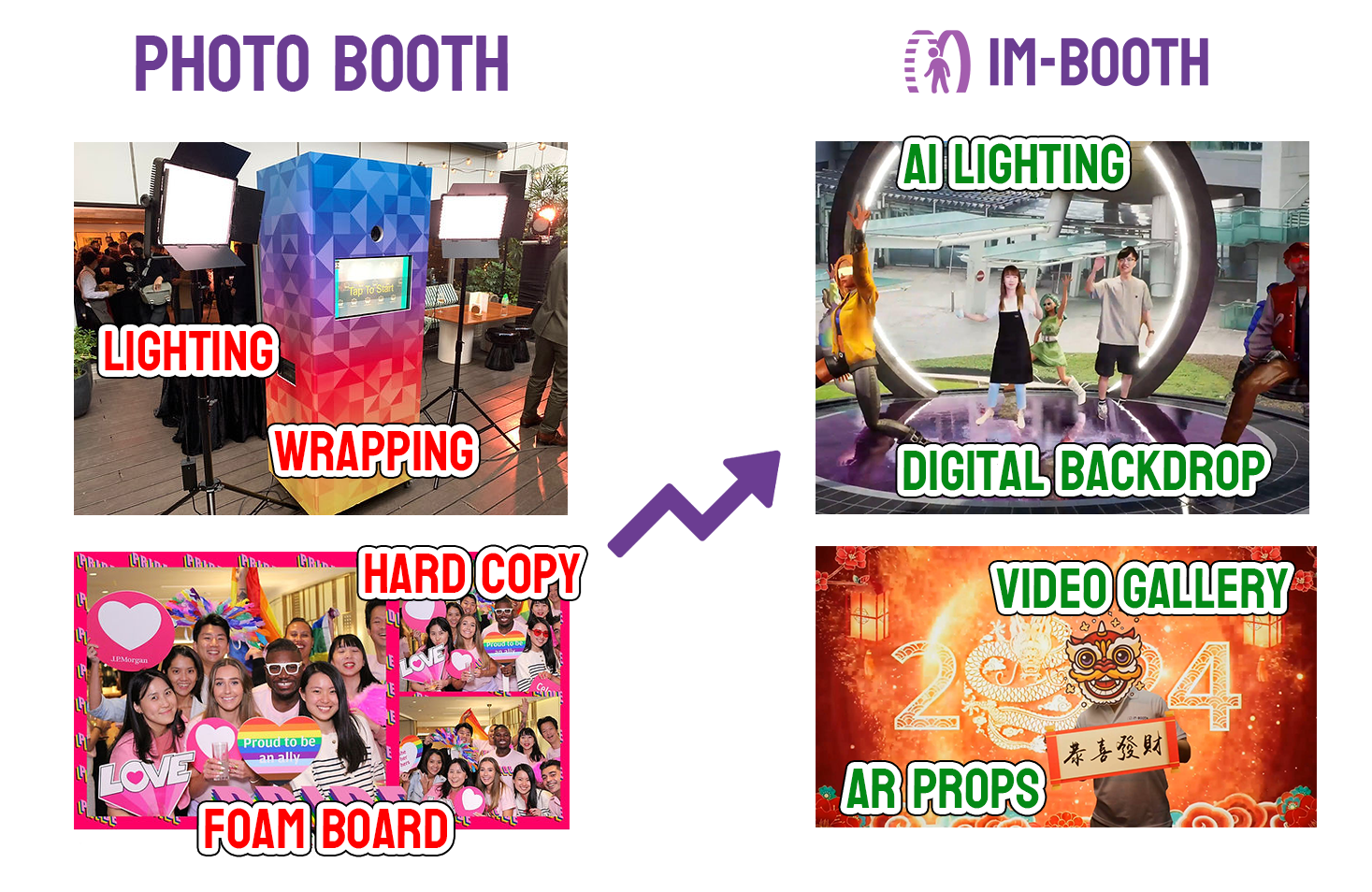
The concept of Configuration is very straightforward and easy to grasp. Imagine running a traditional photo booth business; you need to brand the photo booth's exterior and prepare physical backgrounds and foam boards for people to use when taking photos. Similarly, for im-Booth, you also need a series of settings such as brand logos, video/virtual backdrops, musics and images. But rest assured, you only need to input these settings through the im-Booth website. This process is very simple and fast. Once you have completed the Configuration, you can apply it simultaneously across multiple cloud machines as required.
You can always start setting up Configuration by entering Information first.